How to watch MKV files in your browser (no VLC, no codecs)
To watch an MKV in your browser, import it into Seedr, wait for the import to finish, then open the video. A compatible stream avoids installing a local.

To watch an MKV in your browser, import it into Seedr, wait for the import to finish, then open the video. A compatible stream avoids installing a local.

Copy files between Google Drive and Seedr by connecting Drive from the + menu, then copying a file or folder to the other storage. This is a cloud.
To download a file from a URL straight to the cloud, paste a supported link into Seedr and wait for the task to finish. You can close the browser during.
To convert FLAC to MP3 online, add the audio to Seedr, open Tools and choose Convert, then select MP3. Keep the FLAC original: MP3 makes a smaller.
To convert a video for your TV or phone, check the device's supported formats, then choose a compatible output in Seedr's Tools, Convert controls. MP4.
To convert MKV to MP4 online, import the MKV into Seedr, open Tools, Convert and select MP4. The conversion runs in the cloud and creates a separate.
Move files between Google Drive and Seedr by connecting Drive, copying the files and checking the destination before removing the source. Prefer a copy.
Start a cloud download on your phone by adding a supported link to Seedr, then wait for it to finish before watching on your TV. Choose the supported.
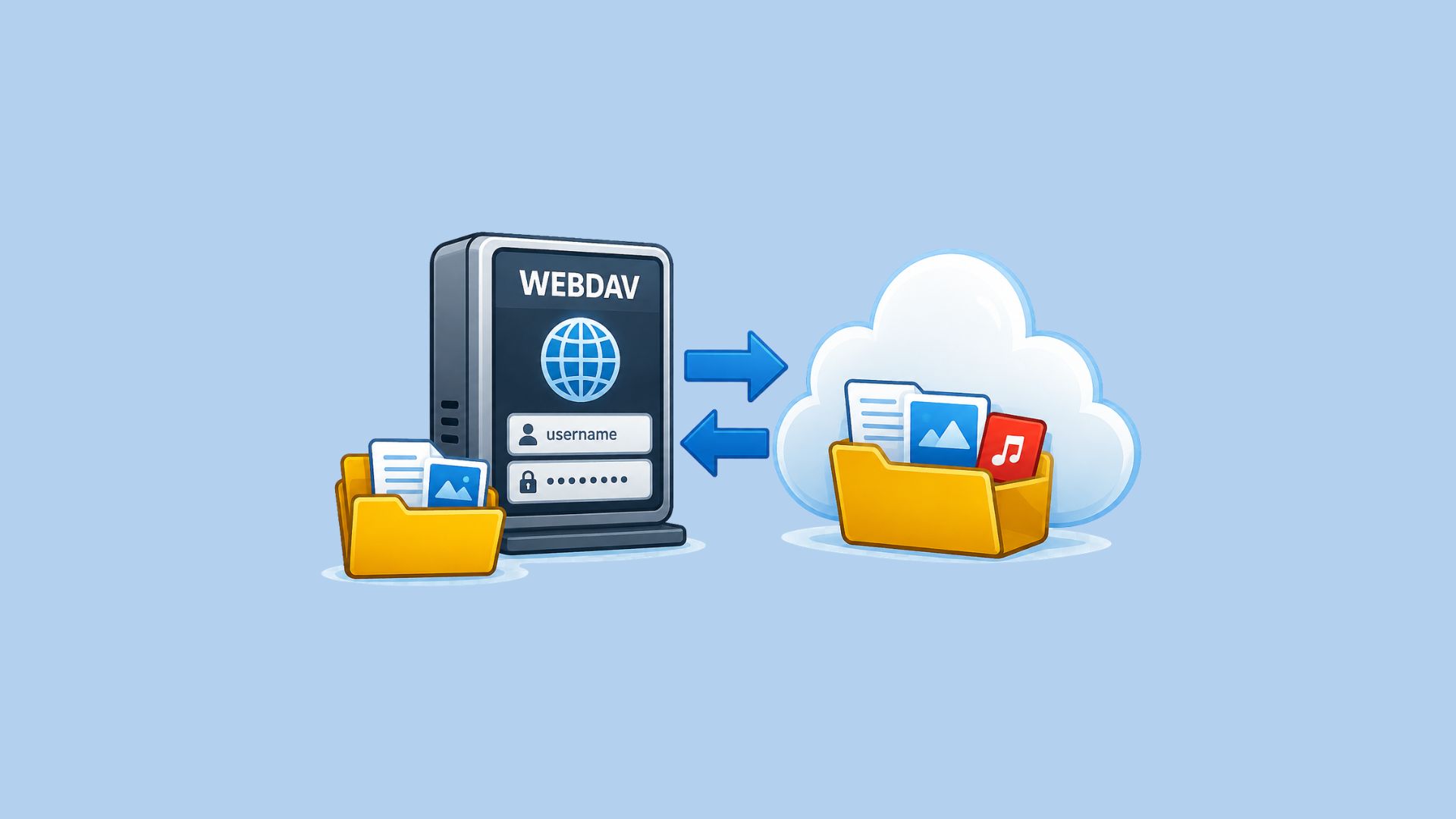
Install the Seedr Connector on your NAS and mount chosen folders in Seedr over one outgoing connection. No port forwarding, no public IP.